
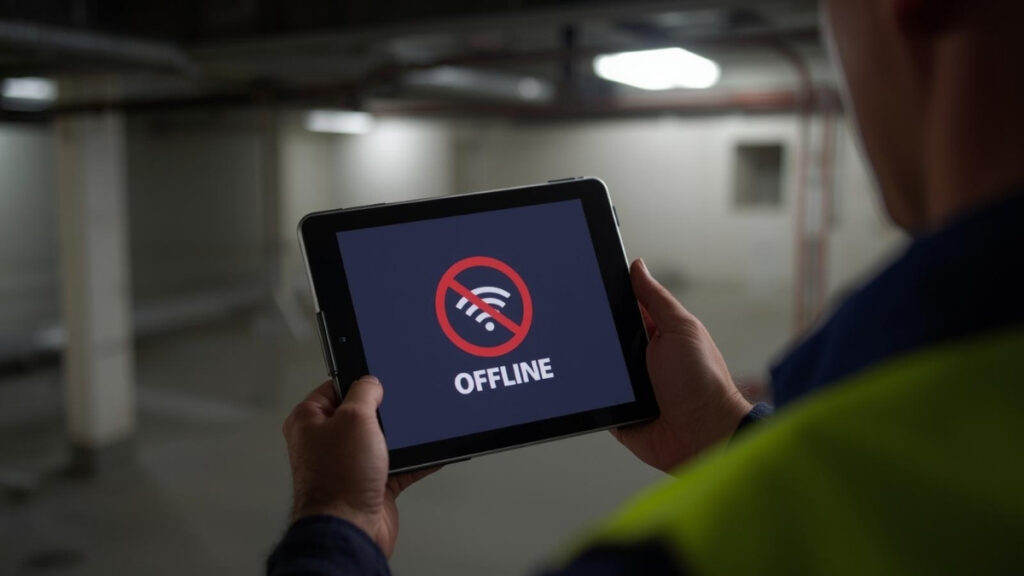
Field technicians often operate in environments where connectivity is unreliable, such as basements, rural properties, industrial facilities, or large warehouses where cellular signals weaken the further they go. These conditions can make it difficult to access the information they need in the moment. Teams may rely on printed forms, downloaded spreadsheets, or screenshots captured before leaving the office. This gets the job done, but it also limits flexibility and slows down the flow of information across the organization.
Why real-time access matters
A technician’s job often depends on knowing the current state of a customer, asset, or work order. When that information is locked behind a system that requires internet access, it forces technicians to work with incomplete details. A recent update might not appear, a previous technician’s notes may be missing, or a part replacement logged earlier that morning may not show up until the office re-enters the data later.
These gaps create uncertainty. A technician may need to call the office for clarification, wait for someone to check a system, or make a judgment call based on limited information. What should be a straightforward visit becomes a process of verification and workarounds.
The challenge becomes even more pronounced when technicians need to capture information. Paper forms, handwritten notes, and photos saved separately introduce delays and add work for office staff who must later interpret and enter the details manually. A single missing step can slow down billing, reporting, or follow-up work.
A realistic scenario
Imagine a technician arriving at a job site to service equipment. They reference a previously downloaded form or a printed copy of the last service history. During their inspection, they discover additional issues that need attention. They make notes by hand, take photos on their phone, and plan to upload everything once they return to the office.
Back at the office, another team member updates the system with the day’s notes and attachments. Meanwhile, the scheduling team may already be planning the next round of visits using incomplete information. By the time everything is entered and visible, it could be hours or days after the work occurred.
The delay isn’t intentional. It’s simply a consequence of depending on a process that can’t keep up with the environment technicians work in.
The advantage of offline-capable digital tools
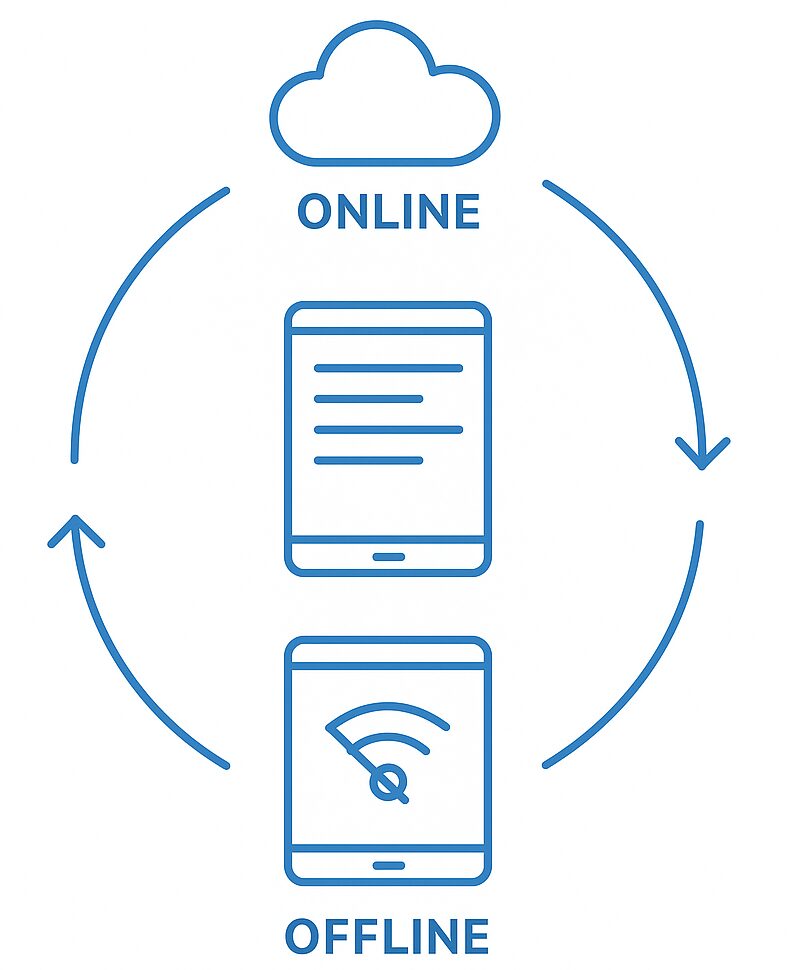
A system that works the same way online or offline removes these barriers. When technicians can access customer records, asset histories, job notes, and forms directly on a tablet or phone—without needing a signal—they can complete their work without interruption.
Offline-capable systems allow technicians to:
- View the latest records before entering the site
- Capture photos, signatures, notes, and inspection results immediately
- Log parts used or issues discovered on the spot
- Complete structured forms that guide them through required steps
- Sync everything back to the system automatically once they reconnect
This ensures that field updates become available to the rest of the organization as soon as a connection returns, without relying on end-of-day data entry or manual transcription.
How FileMaker supports field teams
FileMaker offers native offline functionality through custom mobile layouts that can be designed specifically for technicians. This means the system can reflect your exact workflow: inspection checklists, asset records, barcode scanning, GPS data, job photos, or approval steps can all be incorporated.
Because FileMaker apps are built around your process, they can enforce required fields, guide technicians through consistent steps, and ensure that data is captured cleanly and completely. When a technician syncs, the updates automatically integrate with the central system—no extra work required from office staff.
FileMaker’s flexibility allows organizations to start small. Many begin with one form or workflow, test it with the field team, and expand gradually over time. This reduces friction and helps adoption feel natural.
What improves when technicians have reliable access
Organizations that enable offline access typically see improvements across their workflow:
- Fewer delays due to missing information
- Reduced manual data entry at the end of the day
- More accurate service history and documentation
- Faster billing and follow-up work
- Less back-and-forth communication between field and office
- Improved customer experience due to quicker, clearer updates
Technicians can focus on solving problems rather than navigating outdated tools or waiting for the system to catch up.
If your field teams need better access to information
Portage Bay Solutions can help you design a FileMaker-based mobile workflow that gives technicians the tools they need—whether they’re online or not. If you’d like to explore how real-time and offline access could improve your field operations, contact us to schedule a free consultation.