

Recently our client requested an update to the way images are added to their system. Using an iPad, field technicians take photos during service calls and upload them one at a time into a container field, which exists as a repeating field of 20 repetitions.
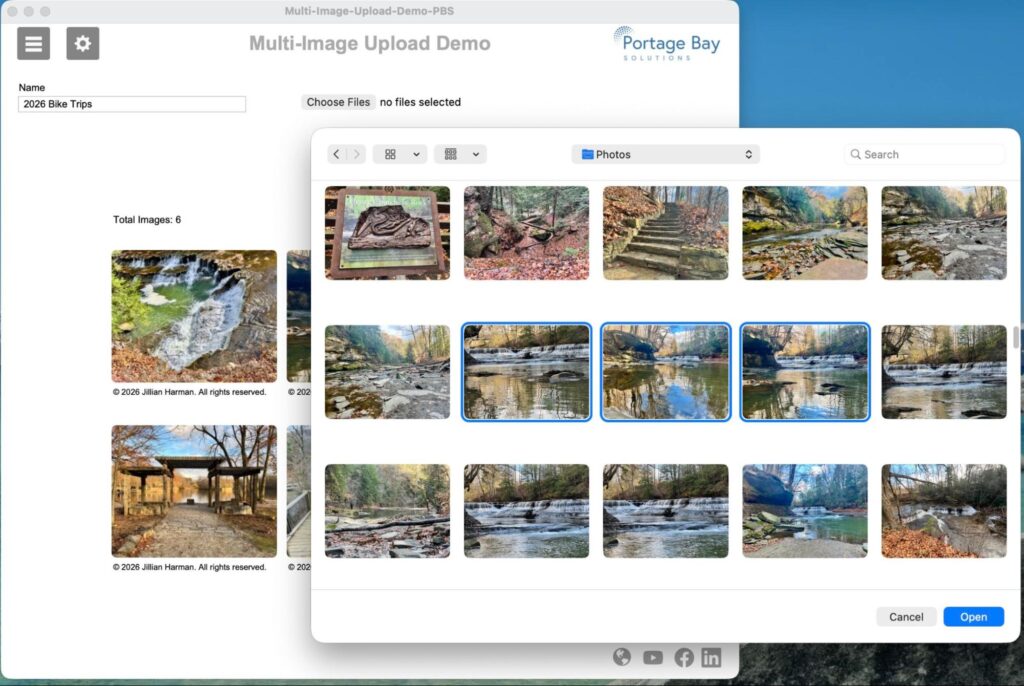
There were two issues with this process. First, when the client wanted to add additional images, extra repetitions had to be added to the field and additional slider panels added to the layouts. Second, inserting one image at a time is a slow process in the field, and FileMaker doesn’t have a way to select multiple images and upload them all at once. Additionally, the client wanted an easy way to rotate images that had been created in the incorrect orientation, which sometimes happens on iOS devices.
We did a little research and came across a blog post from NRG, which was based on an original post from Nusu Alabuga at FormCarry. These solutions utilized some Javascript and a Web Viewer to handle the multi-image uploads. We built upon this by adding a Web Viewer-based gallery and the ability to rotate images.
The Setup
Our solution comprises three tables:
- Preferences
- Events
- Images
The Preferences table has three fields to store the HTML:
- GalleryHTML
- imageRotationHTML
- imageUploadHTML
The Preferences table contains only one record. Storing the HTML here avoids having to rely on and reset global fields.
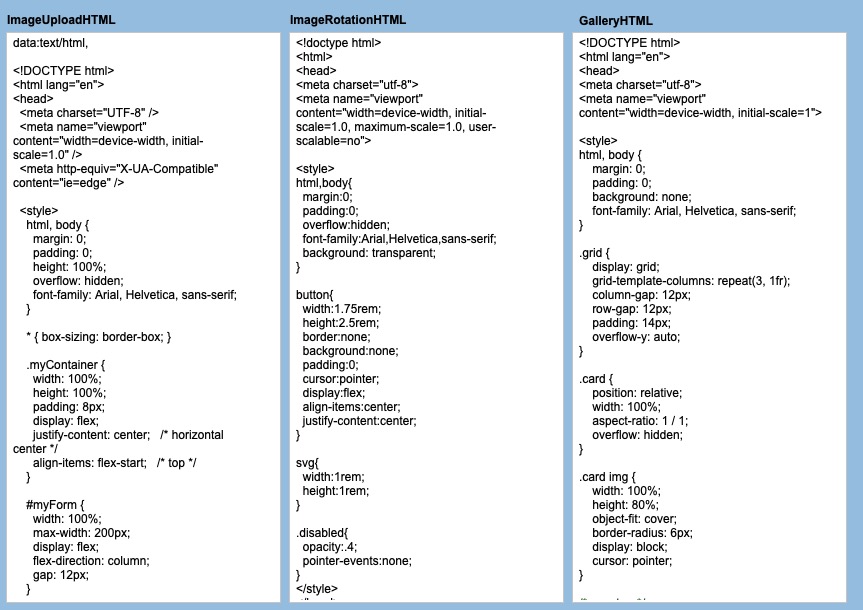
The Events table has a calculation field, zzGalleryHTML, which substitutes a marker in the GalleryHTML field to display the related images in a gallery.
The Images table has a field to store the Base 64 encoding of the container field, a global for storing some JSON, and a calculation field for substituting the ImageRotationHTML.
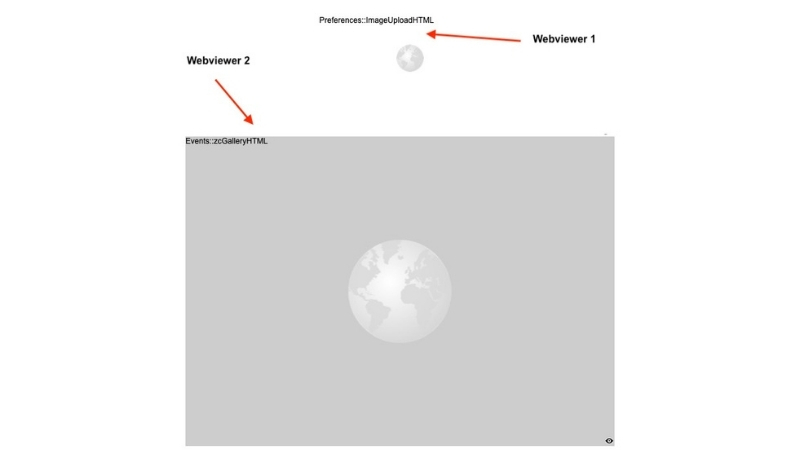
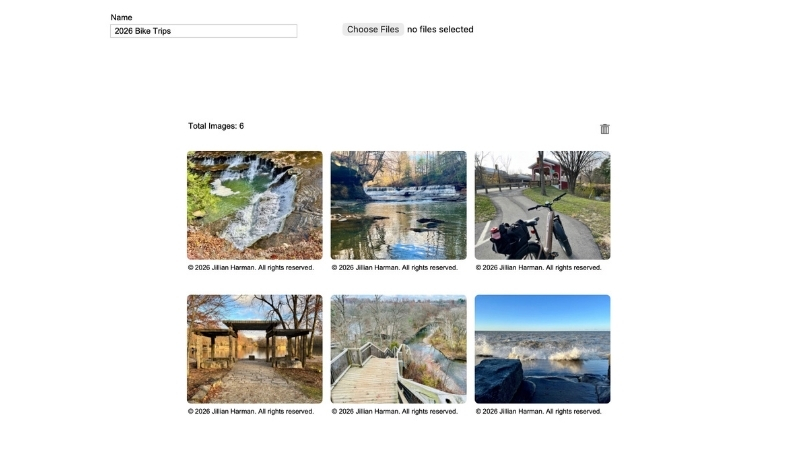
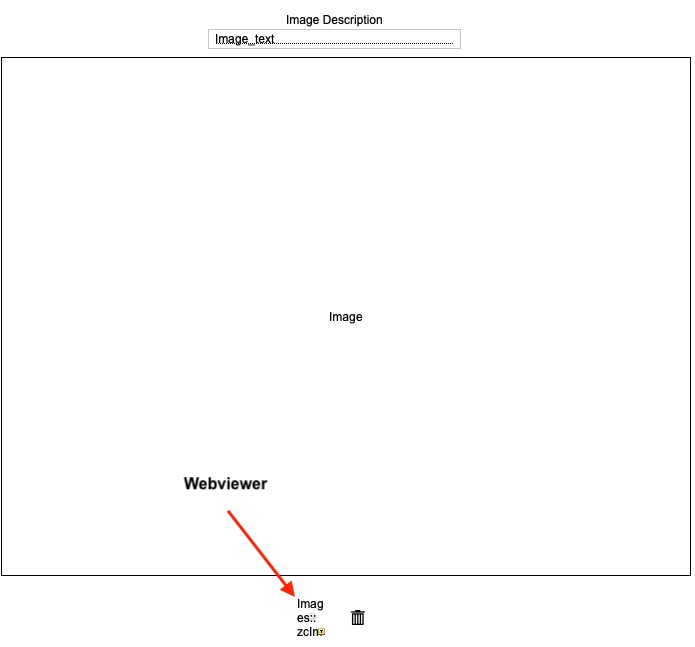
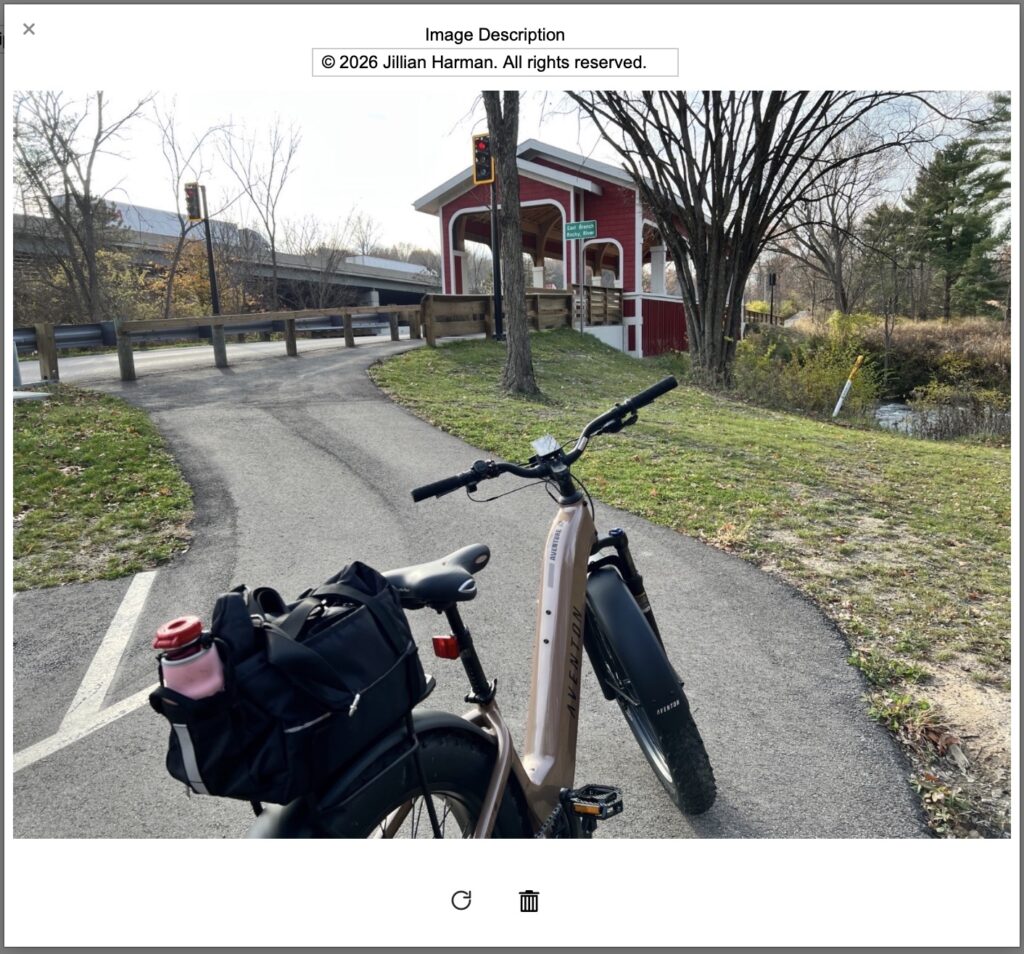
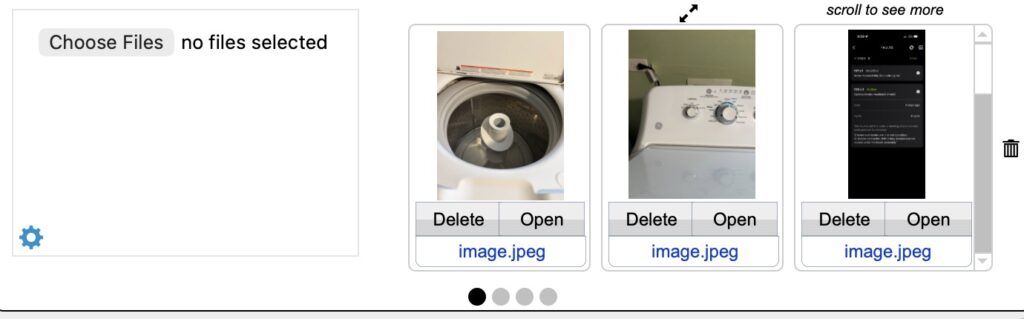
Two Web Viewers are placed on the Events Layout. The first one references the imageUploadHTML field for uploading the images and the second points to the zcGalleryHTML calc field to display the gallery. Clicking on an image in the gallery opens a card window of the selected image. This layout has the third Web Viewer pointing to zcImageRotationHTML calc field, which handles the rotation.
Finishing touches
At the client’s request, we added several enhancements to support office-based workflows. Administrators working on desktop computers needed a more efficient way to review larger versions of multiple images. To accommodate this, we added a portal view to the main layout so uploaded images can be previewed directly.
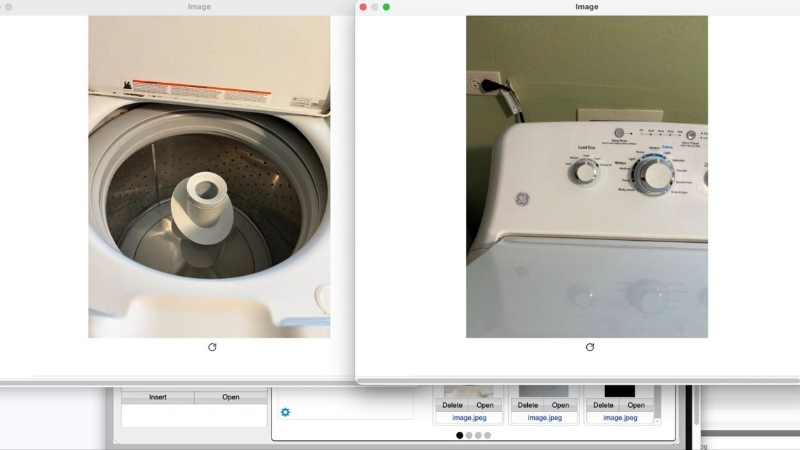
Selecting the “Open” button displays the full image in a document window that can be resized and repositioned. Multiple image windows can remain open simultaneously, making side-by-side comparison easier during review.
The Web Viewer-based gallery can also be opened to display all related images. For future updates, we placed a gear icon on the layout, which reveals a popover panel with quick access to the HTML fields. This icon is only viewable for users with full access privileges.

Results
Converting the client’s repeating container field into a related images table removed the built-in limitation of 20 image repetitions and replaced it with a scalable structure. Technicians can now upload an unlimited number of images to a service call without requiring layout changes or additional slider panels.
The Web Viewer-based gallery automatically expands to display all related images, eliminating the need to redesign layouts as image counts grow. Selecting and uploading multiple images at once significantly reduces the time spent in the field, especially when documenting complex service calls.
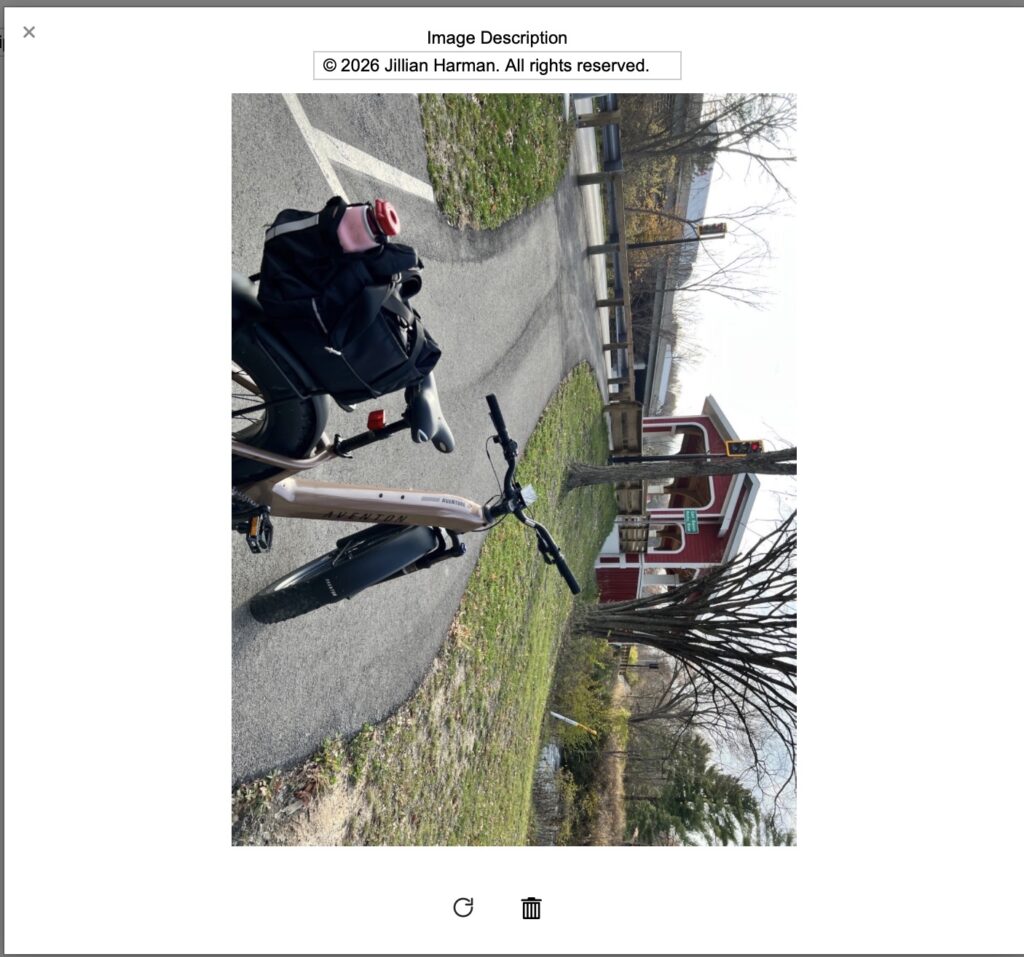
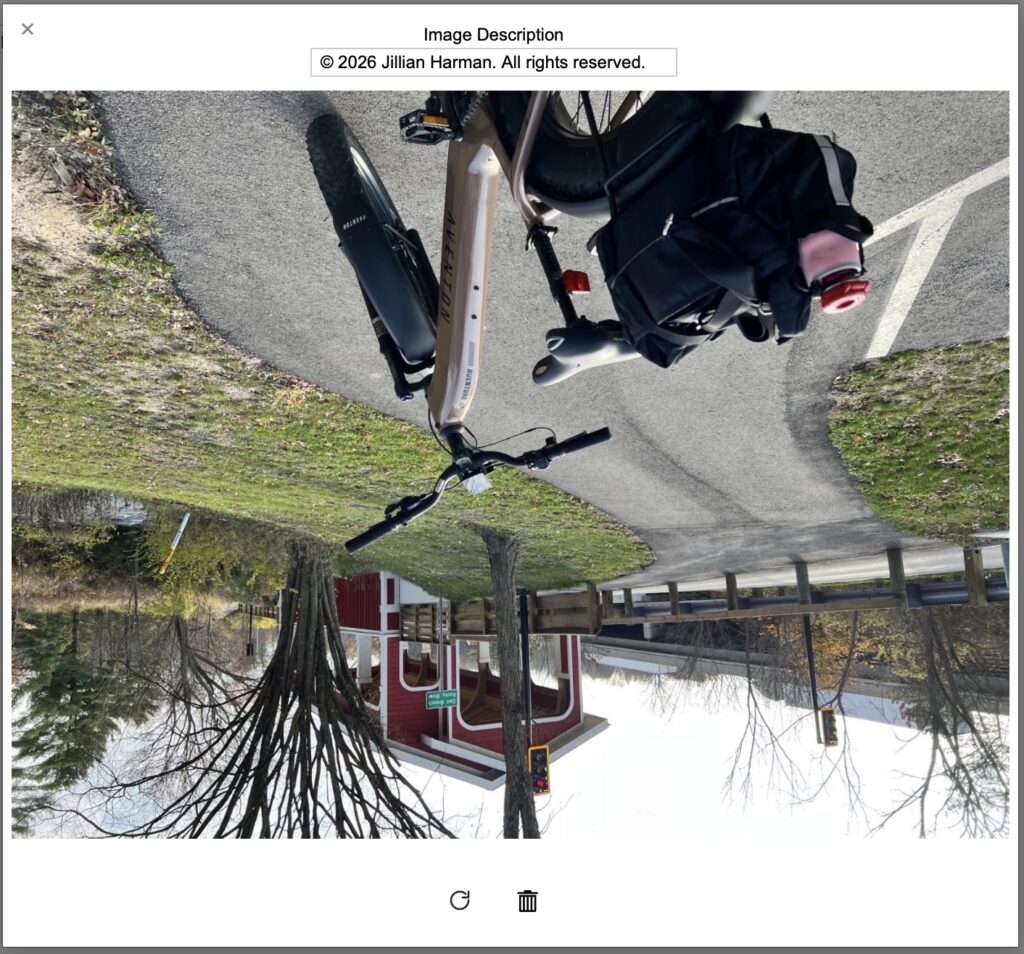
The rotation feature allows technicians to correct orientation issues immediately, preventing office staff from having to adjust or request replacements later. Office administrators also benefit from improved image review, with the ability to open multiple images into separate document windows for comparison.
Overall, this approach not only straightened out the upload process but also replaced a rigid implementation with a more flexible and maintainable architecture. The result is a faster workflow for field technicians and a cleaner, long-term solution for the client’s system.
Demo File
If you’d like to incorporate this upload, gallery, and rotation solution into your app, we’ve created a free demo file, which you can download here.