
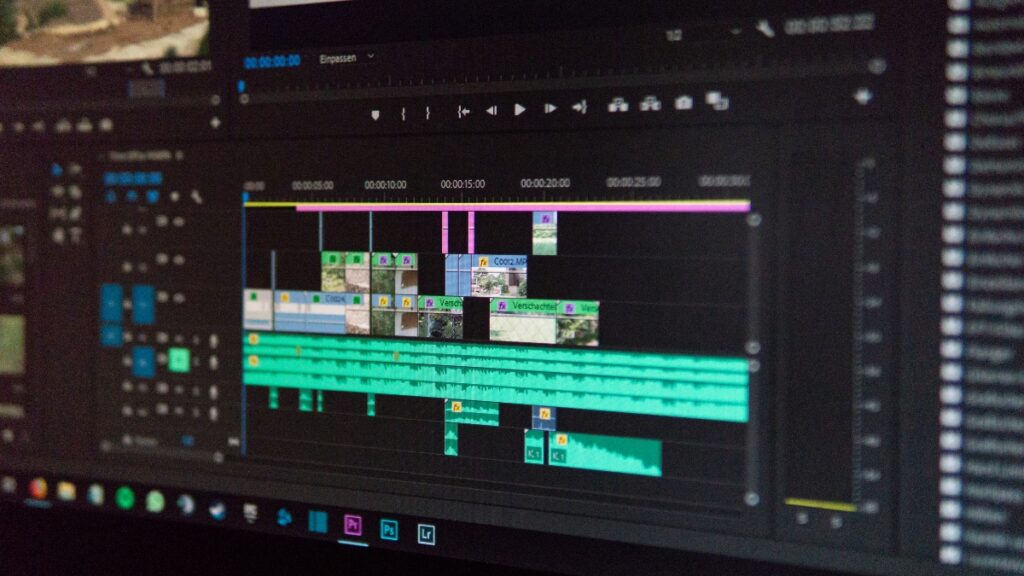
At Portage Bay, we produce two main types of videos: our FileMaker DevCast and our monthly Claris Beyond Meetup. Then from those, and sometimes from our twice-weekly dev meetings, we pull segments for YouTube Shorts or more medium or long-form videos. The Meetups usually feature a single speaker, but our DevCasts and dev meetings are lively group conversations. As with any good conversation, a variety of voices can be heard in every episode.
As the team’s primary video editor, I actually spend more time “looking” at voices than faces.
I can see your voice from here
Camtasia is the main tool I use for video editing. A handy feature in Camtasia displays the audio below a video as it plays. In some cases, I also use the “separate audio and video” tool, which lets me edit each track individually. The sound waves look like a dynamic landscape of peaks and valleys that I use to track the flow of each conversation.
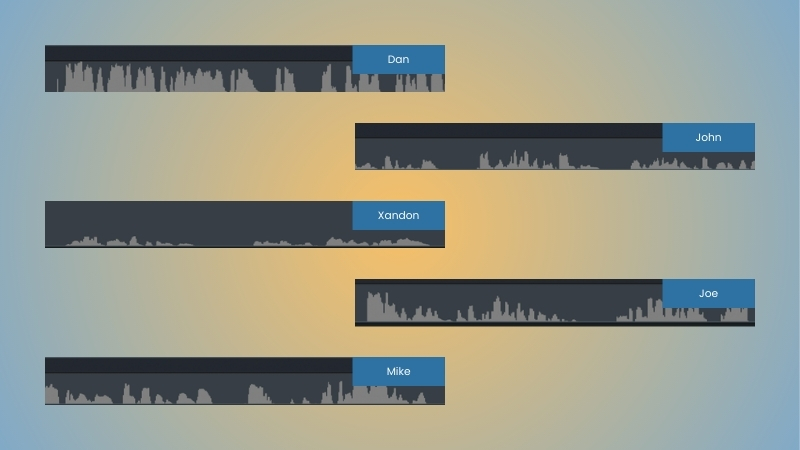
The image below is a clip from a DevCast episode featuring our frequent guest host, Dan Smiley. He tends to sit close to his microphone, which makes his sound waves appear taller and louder in the recording.
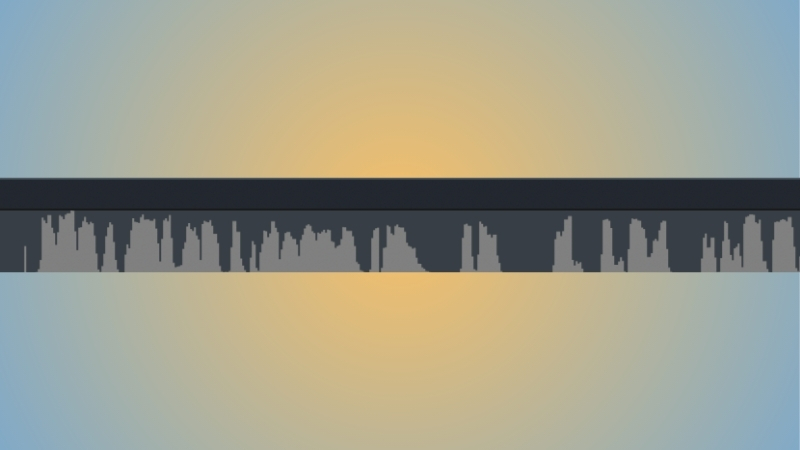
Due to the transmission delays between devices, there’s usually a small gap of silence before a new shape appears on the timeline. I use these gaps to plan out transitions and shorten sections.
For this recording, our developers John, Xandon, and Joe were recording from the 2025 Claris Engage conference. They positioned the camera and microphone farther away from themselves to fit everyone in the frame, making their voice patterns look smaller than Dan’s.
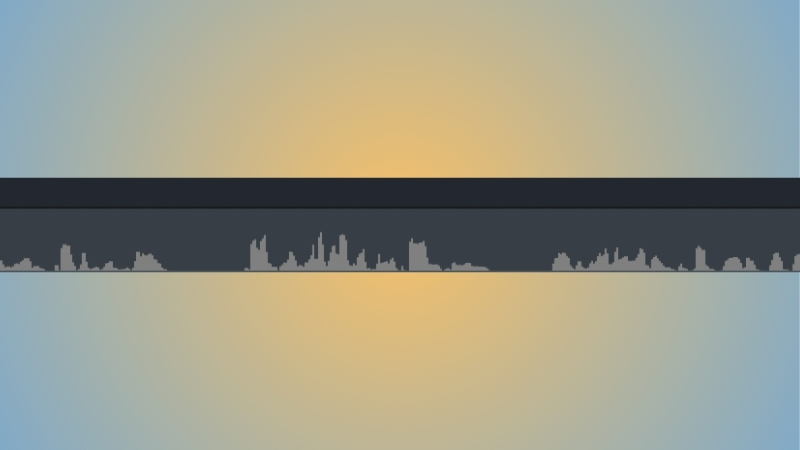
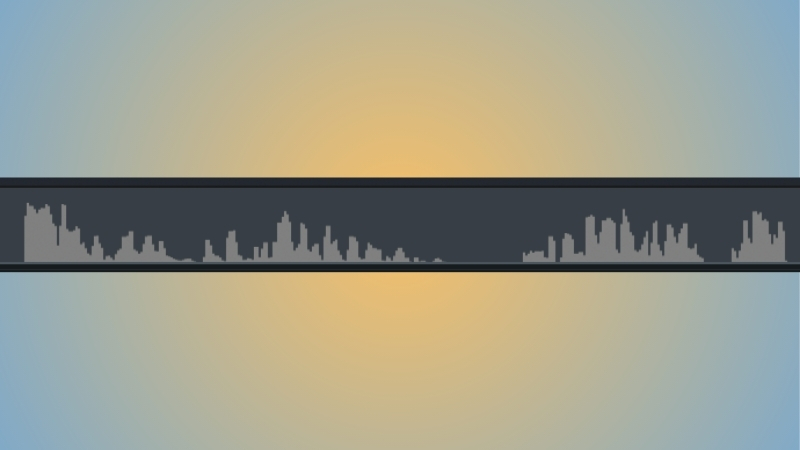
Here’s the start of the response. Can you tell which team member answered first?
From sound to sight
When Dan asked about the newest additions to the Claris FileMaker platform, Xandon chimed in. Xandon has a deeper voice, which renders his sound waves as shorter, wider forms on the editing timeline.

Laughter adds character and spikes
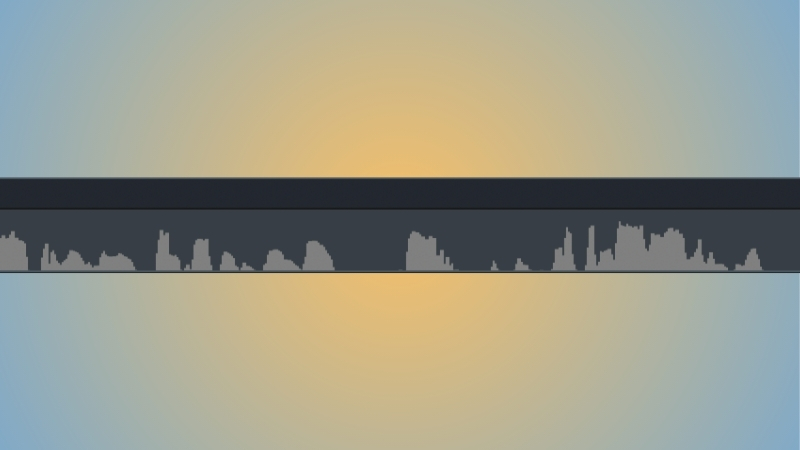
This episode, like most of our DevCasts, was full of laughter, resulting in sound waves with sharp spikes. Can you guess whose sound bite this is?

At first glance, Joe and John’s speech patterns look quite similar, but time reveals the differences. Joe’s pattern is often more varied, with higher peaks and lower valleys that follow his intonation. The highest peaks of John’s voice tend to stay in the middle of the track and then trail into valleys rather than cut cleanly.
The type of Mike makes a difference
Mike uses earbuds with an inline microphone. The proximity creates an effect similar to Dan’s, making his voice appear longer and larger. Mike and Joe share a similar cadence in their speech, but their volumes differ slightly. Joe usually wins in the loudness category (in a good way).
Heard and seen from miles away
As I’ve grown more experienced in my editing work, I’ve started relying on the shapes of these voices to guide my timing for cuts, transitions, and on-screen graphics. I can recognize each person by their vocal patterns and anticipate the flow of conversation just by watching the sound waves change.
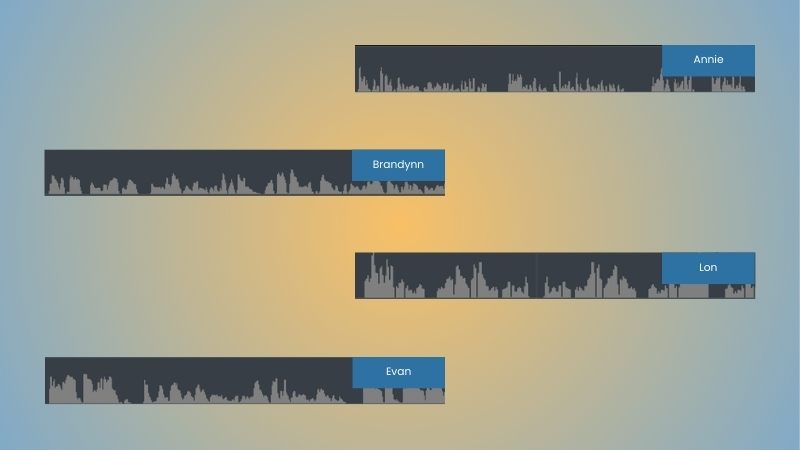
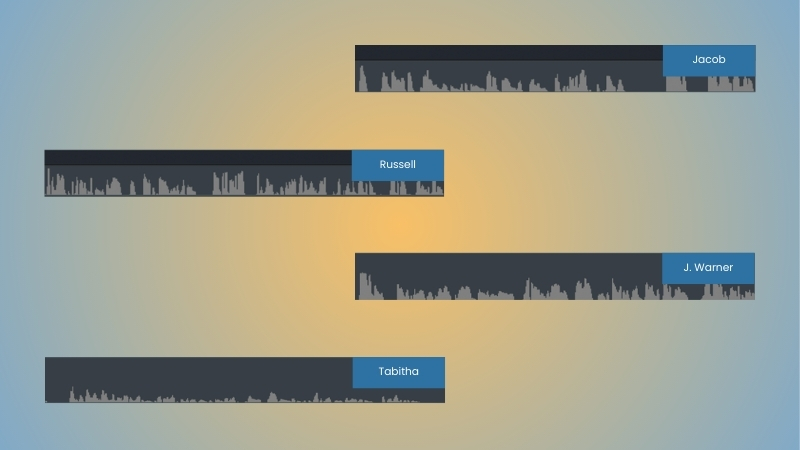
I’ve included a comparison of our team’s voices below. As interested as I am in languages and translation, I’d always considered them to be auditory arts. Now, the images of my audio have become just as invaluable as the audio itself.
For me, knowing what someone’s voice looks like can be as comfortable as knowing their laugh, footsteps, or favorite food. Over the years, we’ve had a revolving door of special guests that have provided their own unique vocal illustrations over the years. After experiencing so many different caricatures, the question begins to write itself: what does your voice look like?
This piece represents a collaboration between the human authors and AI technologies, which assisted in both drafting and refinement. The authors maintain full responsibility for the final content.