
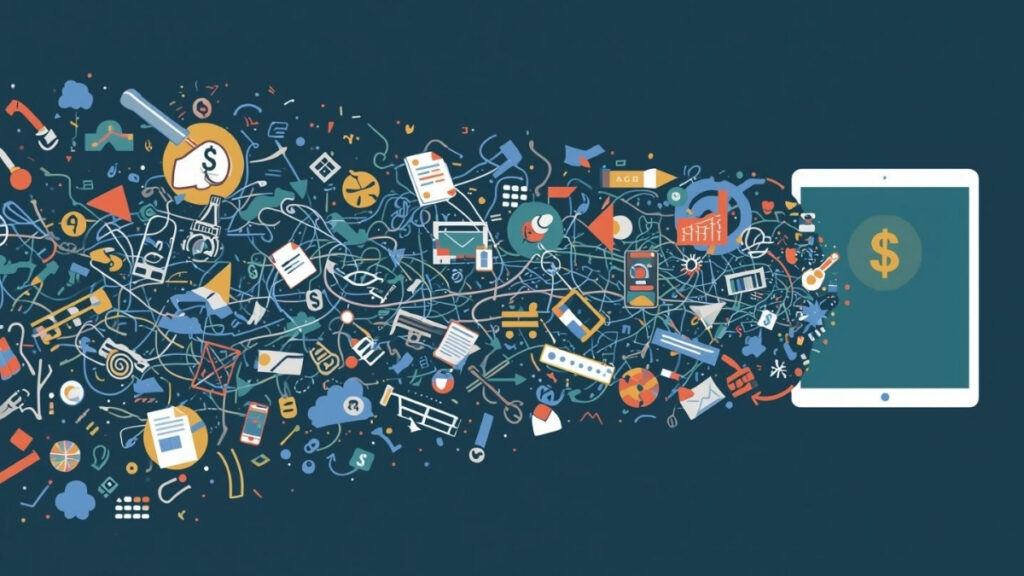
Many organizations assume that custom software is expensive and that off-the-shelf tools are the more budget-friendly choice. Subscription platforms feel predictable. They advertise broad features, emphasize quick setup, and often appear cheaper than building something from scratch. But as a business grows, the true cost of relying on generic tools reveals itself in unexpected ways. Workarounds multiply, processes drift apart, and teams spend increasing amounts of time managing tools instead of doing the work the tools were meant to support.
Where hidden costs come from
Off-the-shelf systems are designed for the largest possible audience. They offer wide functionality, but rarely match how an individual organization actually works. When the available fields, workflows, or integrations don’t align with your needs, employees compensate by creating their own solutions. That might mean adding spreadsheets, saving personal notes, using email as a workflow tool, or relying on multiple apps that need to be checked and updated separately.
None of these steps seem costly in isolation. But together, they create operational drag. Staff spend time double-checking numbers, verifying versions, searching for information stored in different places, or re-entering the same details into multiple tools. These inefficiencies rarely appear on a budget sheet, yet they consume hours of work that could be spent elsewhere.
Small mismatches in systems create constant friction. A CRM that can’t handle conditional approvals forces managers to manage those approvals manually. A project tool that can’t link with billing requires someone to duplicate information. A spreadsheet used to bridge gaps becomes outdated within days. All of these “quick fixes” ultimately cost far more than they appear.
A realistic scenario
Imagine a company that adopted a generic project management tool when the team was small. As the business grew, the workflow became more complex: projects now require staged approvals, customer-specific variations, shared documentation, and coordination across departments. The software doesn’t support these nuances, so employees begin building their own methods to keep things organized.
One team tracks approvals in email threads. Another keeps a spreadsheet of custom fields the software can’t handle. Someone manually merges updates from different tools every Friday. Nothing is technically broken, but the system relies heavily on personal memory and individual coping strategies.
By the time leadership notices the bottlenecks, the hidden cost has already been accumulating for months—sometimes years. The problem isn’t the team. It’s the tool.
Why custom solutions age better
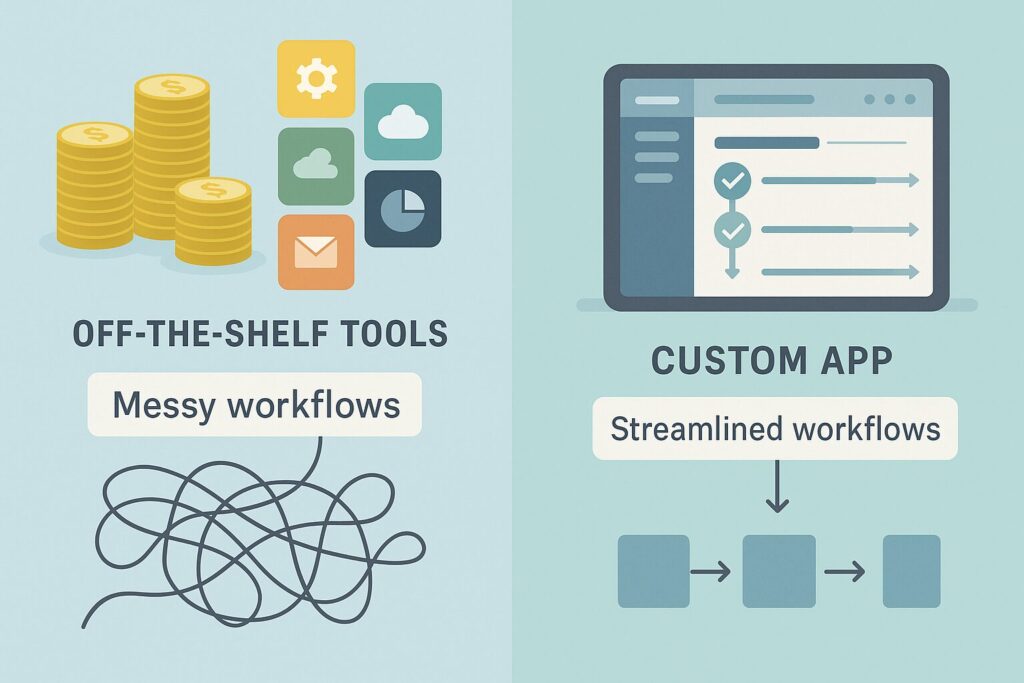
A custom FileMaker app is built around your real workflow, not a generic template. Because it adapts to your structure, terminology, and processes, it eliminates the need for the workarounds that off-the-shelf tools force into daily operations. A system that fits naturally is far easier for teams to use consistently.
As your business evolves, the system evolves with you. New fields, updated workflows, additional integrations, or expanded roles can be added without replacing the whole platform. This flexibility prevents the “software replacement cycle” where organizations outgrow one system every few years.
A well-designed custom app supports:
- Workflows tailored to your approval paths
- Custom forms, quoting structures, or job stages
- Strong connections between departments
- Automated logic that ensures consistency
- Real-time updates without duplicated entry
- Mobile access for teams in the field
- Integrations with accounting, CRM, or inventory tools
- Role-based visibility and audit trails
Instead of forcing your business to adapt to software, the software adapts to your business.
What organizations actually save
When processes work cleanly, the savings show up in several areas:
- Fewer hours spent correcting or reconciling data
- Less time invested in manual or repeated work
- Reduced dependence on multiple subscriptions
- Faster onboarding because the system guides the workflow
- Less operational risk when staff transition
- Better forecasting and reporting
- Shorter turnaround times for customers
These benefits often surpass the cost of building the system. What seems like a larger upfront investment becomes a long-term reduction in daily inefficiency.
Organizations often discover that a custom solution isn’t just more effective—it’s more economical than maintaining a patchwork of tools and workarounds.
If your tools are costing more than they save
Portage Bay Solutions can help you evaluate where inefficiencies are creating hidden costs and design a FileMaker solution that aligns directly with how your business operates. If you’d like to explore how a custom app could save you money and simplify your workflow, contact us to schedule a free consultation.