
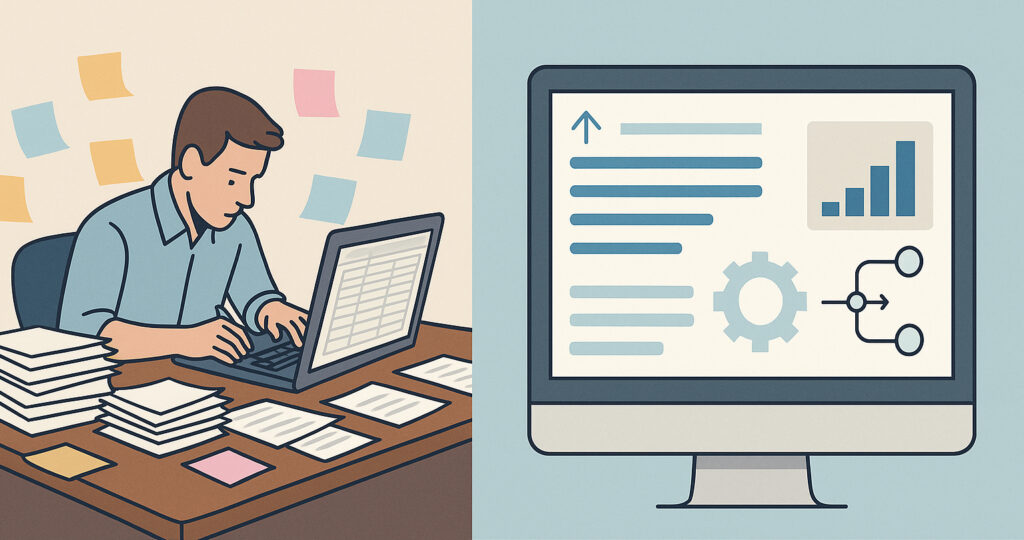
Many organizations underestimate how much time routine data entry consumes. Most teams accept these tasks as an unavoidable part of the day and rarely pause to measure the cumulative cost. Yet across a week, a team member might spend hours entering customer details, updating order statuses, copying information between systems, or correcting mismatched records. These tasks are small individually, but together they create a steady drag that slows down operations.
Why manual entry becomes a problem
Manual data entry seems harmless in the early stages of a business. Teams copy information between spreadsheets, update records at the end of the day, or pass details through email. These tasks feel quick and familiar — until volume increases and the process no longer keeps up.
Many organizations reach a point where the work they’re doing grows faster than the systems supporting it. That’s when small delays start becoming noticeable. A customer record is missing a detail, two spreadsheets no longer match, or a team member must stop what they’re doing to double-check something that should have been obvious. These moments don’t feel like major failures, but they collectively slow everything down.
A realistic scenario
For example, a team might begin each morning by reconciling yesterday’s updates. Someone re-enters notes from service calls, another staff member processes email requests, and someone else tracks down missing information. Everyone is trying to stay on top of the work — yet the workflow itself creates friction.
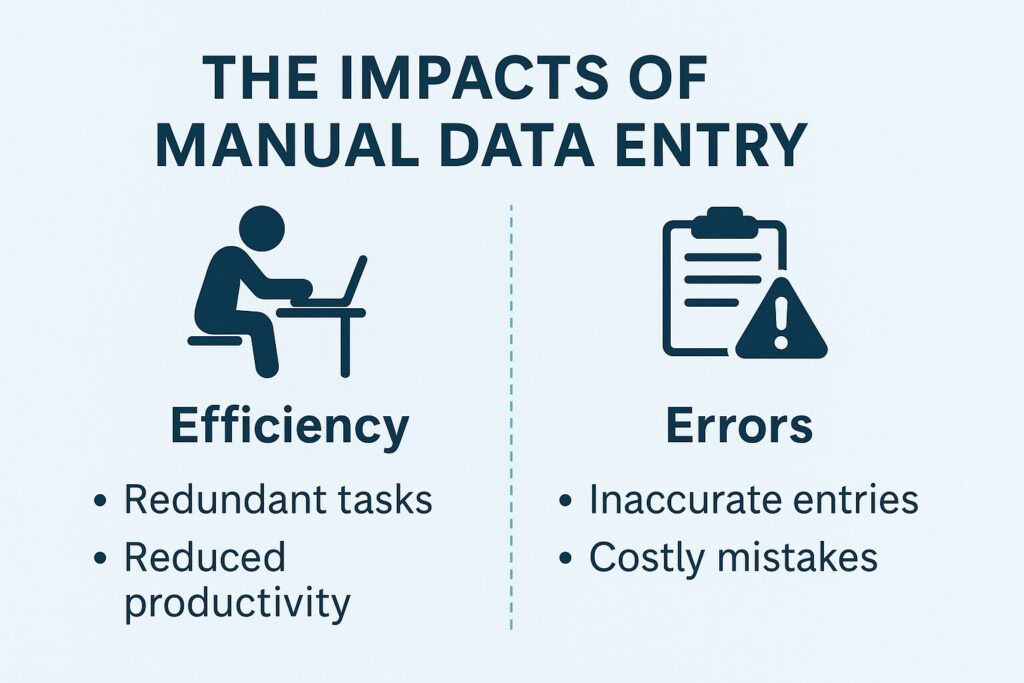
Manual entry doesn’t only consume time; it also increases the chances of errors. A mistyped number, an outdated version of a spreadsheet, or an overlooked row can create confusion hours or even days later. In fast-moving environments, teams often have to stop and retrace steps to figure out where a discrepancy began.
These errors also tend to reveal themselves at the worst possible moment. For instance, a sales team might prepare for a meeting only to discover that the customer information they’re using doesn’t match the latest updates entered in another department. Or a warehouse may prepare a shipment based on stock numbers that failed to include yesterday’s receiving records. Each correction requires staff to revisit the same work repeatedly, chipping away at productivity.
This is the hidden cost of manual entry. It’s not just the time spent typing. It’s the time lost finding errors, clarifying details, and making sure each tool or department has the same version of the truth.
How automation begins small
Replacing manual tasks doesn’t require a major system overhaul or an all-at-once transformation. Most organizations see meaningful improvements by focusing on the parts of the workflow that cause the most unnecessary repetition. These are usually steps that rely on retyping information, moving data between tools, or updating multiple locations to keep things in sync.
This kind of automation often begins with one simple change. For instance, a service team that normally sends handwritten forms back to the office might begin using a digital form that captures information at the source. Or a sales team that logs notes into a spreadsheet might adopt a shared entry screen that automatically distributes updates to the right places. These small shifts reduce the need to recheck and reconcile, which gives teams more uninterrupted time to focus on actual work.
Automation also removes the burden of remembering every step. Instead of relying on staff to manually follow a sequence, the system handles the transitions and ensures information moves forward consistently.
The role of FileMaker in reducing manual entry
A FileMaker-based solution fits especially well in environments where workflows have developed organically over time. Rather than forcing your process into a rigid template, a custom FileMaker app adapts to the structure and terminology your team already uses. The system guides users through required fields, enforces data consistency, and handles updates to related records automatically.
FileMaker also makes it easier to connect parts of the business that currently operate in separate tools. Instead of managing multiple spreadsheets, internal databases, or email-driven handoffs, you can link everything to a central source of truth. This reduces duplication and helps ensure that once information enters the system, it becomes available everywhere it’s needed.
Mobile support adds another advantage. Field teams can capture data on phones or tablets, even offline, and sync it back to the system without relying on paper or manual re-entry. These conveniences add up quickly, especially for organizations that handle large daily volumes of service calls, inspections, or distributed work.
A healthier workflow for your team
When manual entry is reduced, teams feel the difference almost immediately. Work moves faster because fewer steps depend on finding, correcting, or reformatting information. Managers gain clearer visibility into operations because the data they review is current and consistent. Staff spend less time chasing down details and more time completing tasks that require judgment, problem-solving, and communication.
Perhaps most importantly, the workflow becomes more resilient. When the system handles the repetitive or error-prone parts, the organization becomes less dependent on individual memory or personal workarounds. New employees can pick up the process more easily, and existing team members are less likely to feel overwhelmed during busy periods.
If manual entry is slowing your team down
Portage Bay Solutions can help identify the processes that create the most friction and design a FileMaker-based solution that reduces manual data entry without disrupting your operations. If you’d like to explore how automation can streamline your workflow and free your team from repetitive tasks, reach out to schedule a consultation.