

Web Viewers in FileMaker are usually thought of as a place to display a web page. This episode of DevCast makes the case for a lot more usability than that.
Highlights
J. Warner opened the discussion with two client projects that replaced clunky, hard-coded layouts with web viewer-driven interfaces. Evan and Joe followed with their own JavaScript tools for navigation, onboarding screens, and rapid data entry. Across all of it, the theme was the same: let FileMaker do what it’s good at, and hand the rest off to a lightweight web viewer.
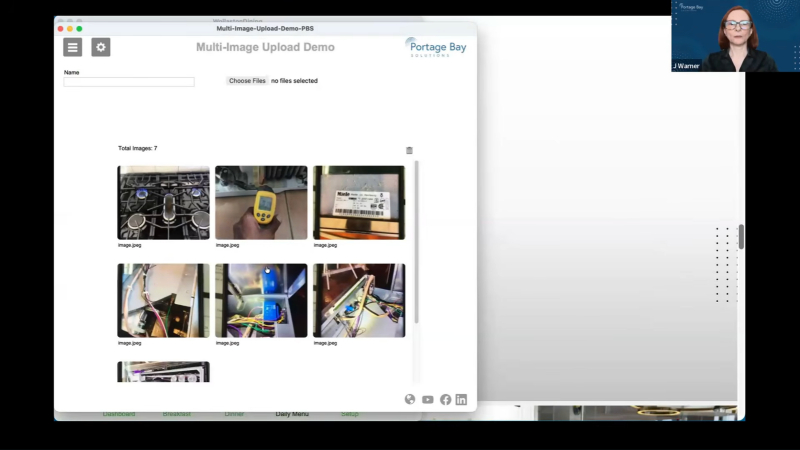
Multi-image upload and rotation feature
J. Warner demonstrated a multi-image upload and rotation feature built for field technicians. Our client provides appliance repair and installation services in Bermuda and needs to maintain multiple views of various items. The system replaced a single 17-repetition container field with a dedicated image table and three web viewers. The first webviewer allows the tech to select multiple images at a time on their iPad. The second viewer is a gallery showing all images a tech has uploaded. A card window displays a larger version of the image with a third small web viewer that lets a user rotate an image in 90-degree increments.
Replacing 200+ layouts with one JSON-backed web viewer
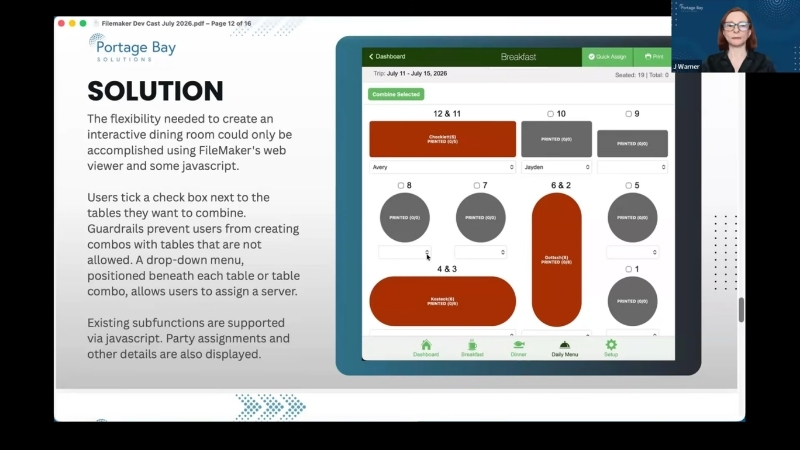
Warner’s second demo was a dining-room table management system. Our client, Wollaston Lake Lodge, runs a remote lodge in Saskatchewan and uses FileMaker to manage their dining reservations and arrangements. This project replaced what would have been 200+ hard-coded layouts with one script-driven, JSON-backed web viewer.
One web viewer is used to display the full room layout with twelve tables. Users can combine adjoining tables by ticking boxes. Guardrails in the code prevent invalid combos. All existing downstream functionality was preserved, including assigning parties and servers to a table and changing table colors as orders were placed and meals finished. An additional web viewer with simplified CSS and details was also created for printing purposes, replacing an existing hard coded layout. Much of the initial Web viewer code was reused. A third web viewer was created for the client’s “quick assign” pop-over used to assign seating to a guest or relocate the guest to a different table.
Using a web viewer for navigation
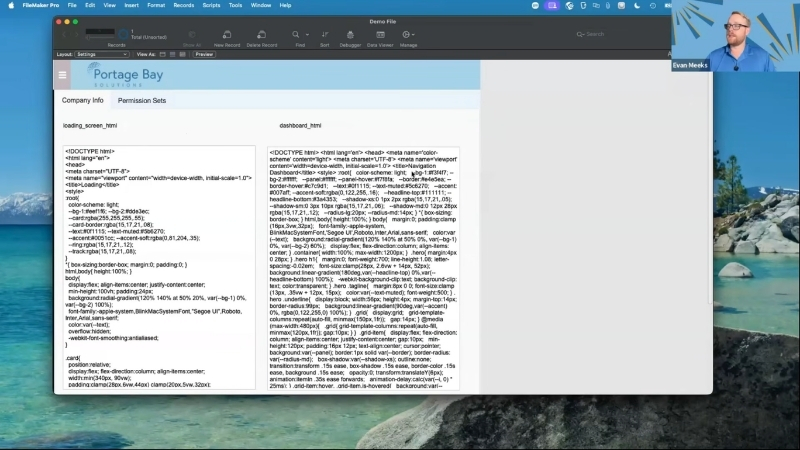
Evan demoed a Web viewer used for navigation in a solution for one of our manufacturing clients. After a short animated loading screen, the main navigation appears. A JSON package drives both what appears on screen and who is allowed to see it. Users can adjust each module’s settings, assign a color and icon, and toggle which privilege sets can access it. The same checkboxes control both the main dashboard view and a separate slide-out side menu.
Three smaller tools using web viewers
Joe demonstrated three smaller tools. First was a splash screen he’s reused for over a decade: a simple fading logo that loops while a solution loads in the background.
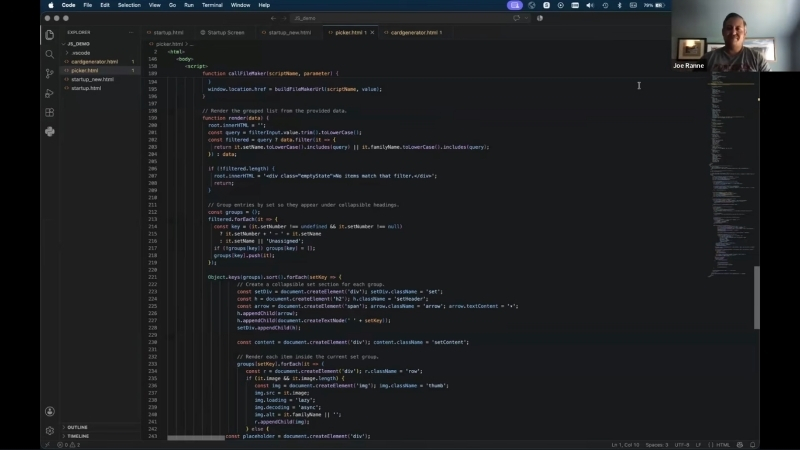
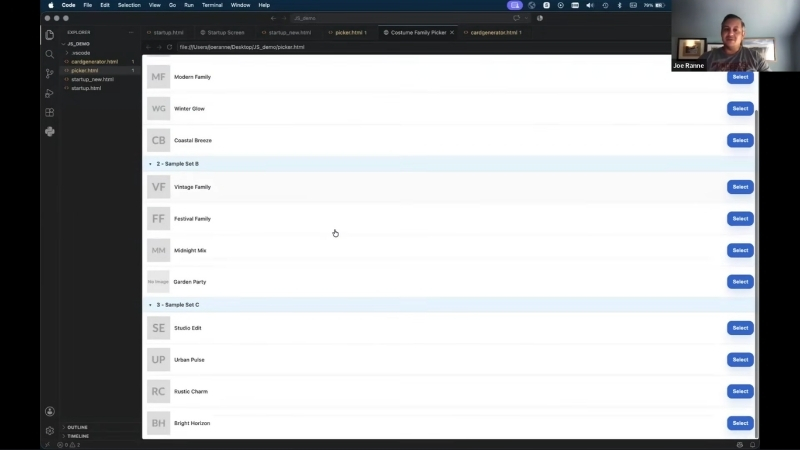
Second was a JavaScript picker, with filtering functionality, collapsible sections, and base64 thumbnails. Even with a large number of records loaded, the web viewer rendered results very quickly.
Lastly, Joe showed a batch record creation tool built around a JavaScript matrix. Users can set quantities for a few defined record types, add one-off custom entries, and view a live preview update. Once selections are made, changes are sent back into FileMaker using a script.
Moving forward
A bigger question addressed in this episode centered on using AI to create code for use in web viewers and how much a developer needs to understand it before they can release it into a client’s production copy. No one landed on a firm answer. FileMaker is already an easy-to-use tool, but direct AI development is still not available. Basing layouts and functionality purely on a Web Viewer circumvents the basic underlying structure that is FileMaker. But is that better if AI can assist? The team is still figuring out where their comfort level lies as it relates to AI-written code.
This piece represents a collaboration between the human authors and AI technologies, which assisted in both drafting and refinement. The authors maintain full responsibility for the final content.