
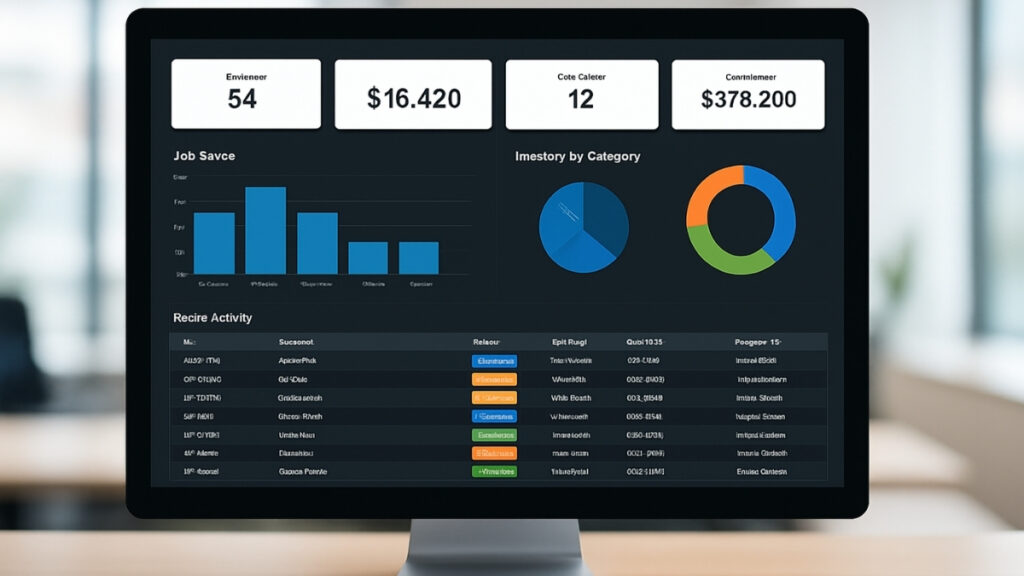
Different teams often build their own systems out of necessity. Accounting uses one tool, operations relies on a series of spreadsheets, the service department keeps notes in a shared drive, and leadership pulls reports from several different places to understand what’s happening. Each system works well enough on its own, but together they create a fragmented view of the organization. It becomes difficult to see the full picture without manually piecing together data from multiple sources.
Why disconnected tools slow down operations
When information lives in several places, staff spend a surprising amount of time gathering it rather than using it. A scheduling update might require checking three systems. A supervisor preparing for a meeting may need to compare reports from different platforms. A manager trying to understand performance trends might export data from one tool just to reconcile it with another.
These small steps create a steady drain on productivity. People stop trusting which system has the “real” numbers, so they check everything twice. Teams build their own side documents to fill gaps. Reports become harder to update because no single source reflects the entire workflow. Instead of supporting the process, the tools begin to dictate how much work can get done.
A realistic scenario
Picture an operations manager preparing weekly performance updates. Inventory data lives in one system, job statuses in another, and time tracking in a separate platform. To prepare a single report, they have to pull figures manually, verify each against separate spreadsheets, and reach out to staff to clarify inconsistencies.
Meanwhile, other departments face similar challenges. Front-line teams may rely on outdated numbers. Billing might wait for information that hasn’t been updated yet. Leadership may not see issues early because the data takes time to assemble. These inefficiencies don’t show up on a balance sheet, but they create friction throughout the organization.
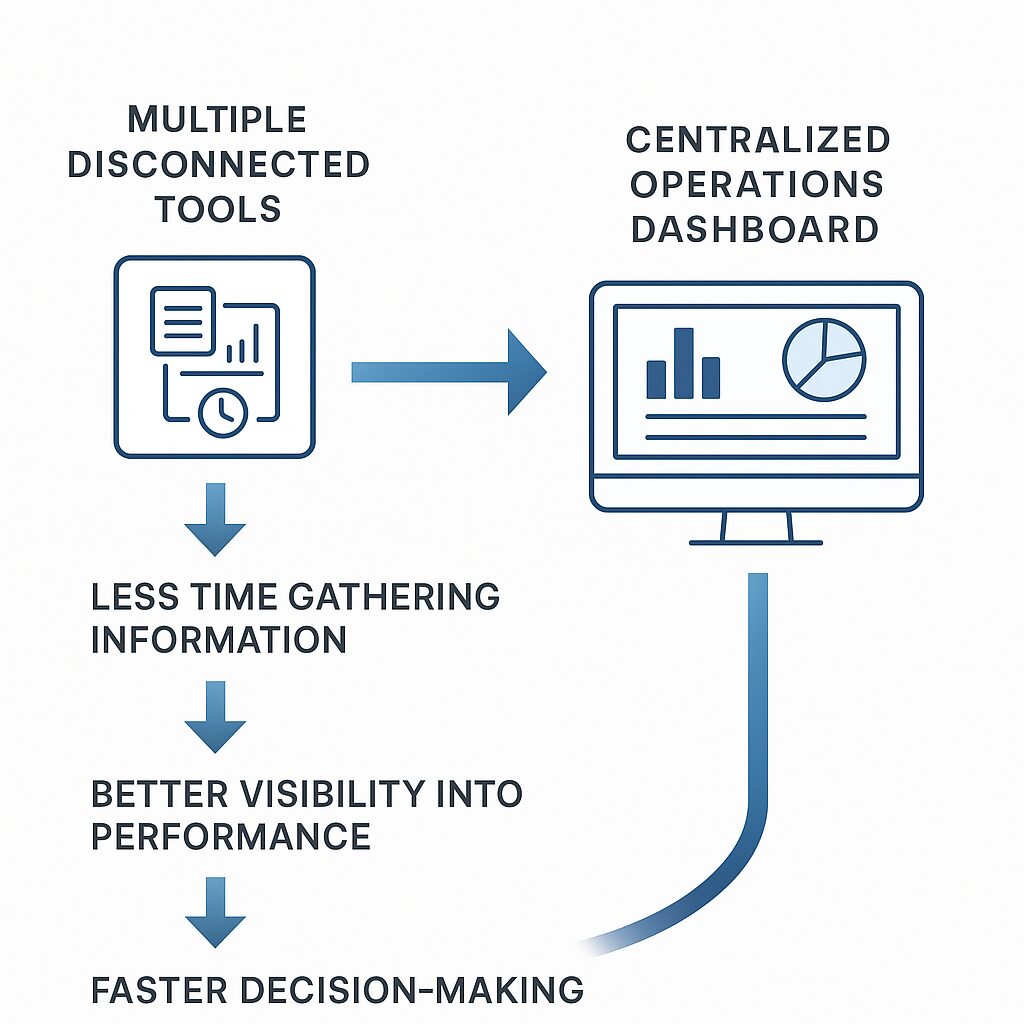
Why a centralized dashboard makes such a difference
A dashboard becomes valuable not because it shows information on one screen, but because it creates a shared understanding of the business. When data from different sources automatically flows into the same place, everyone works from the same numbers. Trends become easier to identify. Bottlenecks stand out sooner. Decision-makers no longer have to dig through separate tools to understand what’s going on.
A custom dashboard also adapts to the details that matter to your team. Instead of reporting generic metrics, it can reflect your actual workflow: work orders in progress, open estimates, equipment availability, incoming requests, approvals waiting for review, or daily performance indicators. These elements can be presented in a way that matches how your team thinks about the business.
How FileMaker helps unify multiple systems
A FileMaker-based dashboard can connect to the tools you already rely on—databases, spreadsheets, cloud platforms, APIs, internal systems—and bring them together. Because it’s custom, the connection points are designed around your process, not a generic template.
A centralized FileMaker dashboard can support:
- Real-time metrics for operations, sales, or service teams
- Consolidated reporting from multiple systems
- Quick links into detailed records
- Automated data imports or API integrations
- Visual indicators for work in progress
- Alerts for deadlines, approvals, or exceptions
- Role-based visibility so each team sees what they need
- Mobile access for teams away from the office
Instead of switching between several applications, teams open one system and immediately understand where things stand.
What improves once information is centralized
Organizations that adopt a custom dashboard typically notice benefits quickly:
- Less time spent gathering information
- Improved accuracy across departments
- Better visibility into performance and workload
- Fewer email chains needed to confirm status updates
- Faster decision-making
- More consistent reporting
- Greater confidence in the data being used
A centralized dashboard doesn’t replace all your tools—it makes them work together.
If you’d like to simplify how your team accesses information
Portage Bay Solutions can help you design a FileMaker-based dashboard that consolidates your systems into one clear, unified view. If you’re interested in exploring how centralizing data can reduce friction and improve operational visibility, contact us to schedule a free consultation.