

The FileMaker Data API is one of the most powerful integration points in a Claris FileMaker solution. It exposes hosted databases over a standard REST interface, letting external systems create, read, update, delete, and find records using HTTP and a session token. Flip the switch in Admin Console > Connectors, add the “fmrest” extended privilege to a privilege set, and you are in business.
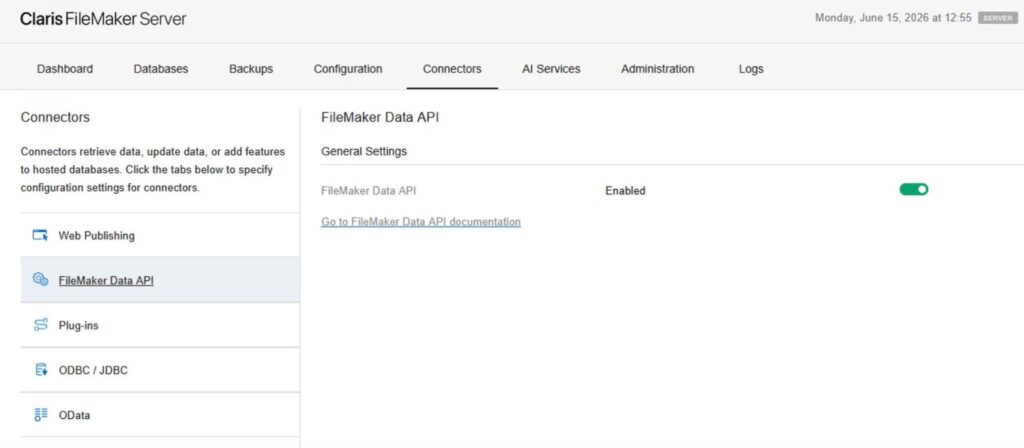
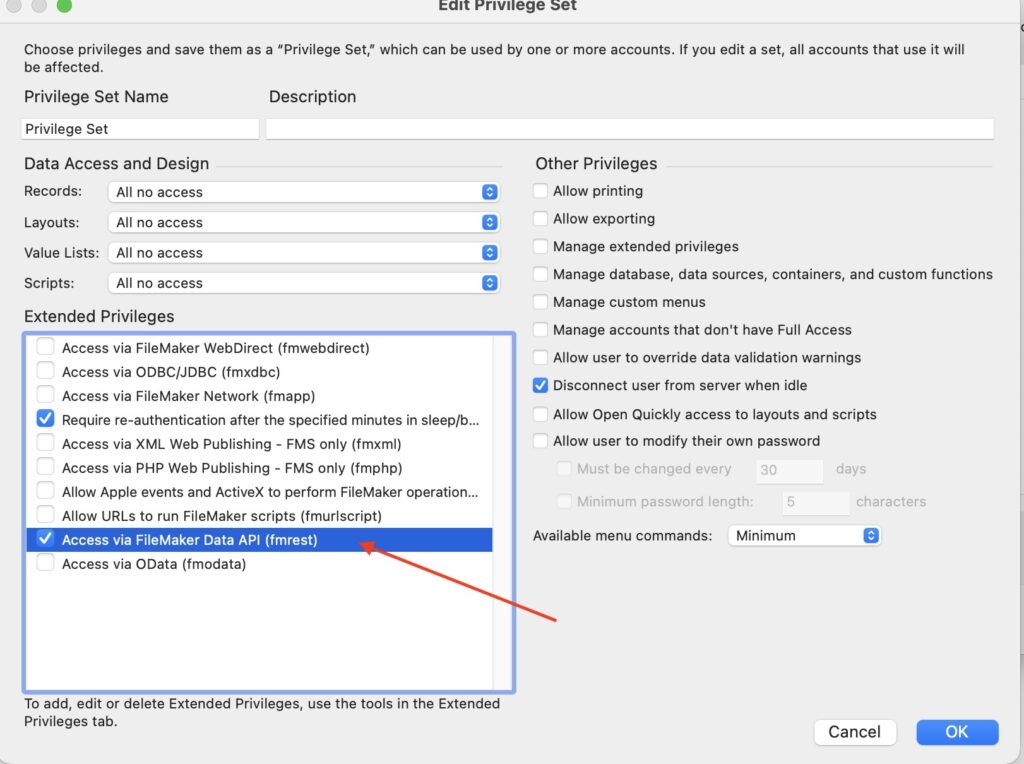
But that is exactly the problem. The path from “off” to “production integration” is short, and the path from “production integration” to “the server is pinned at 90% CPU” can be just as short if no one has thought carefully about how the API will be used.
The arrival of AI-assisted development has further shortened both paths.
Why the risk profile has changed
Two years ago, enabling the Data API for a client typically meant a developer was going to write a thoughtful, purpose-built integration. Today, a client with a working API account and a few hours of AI prompting can have an LLM-generated script polling the database every fifteen minutes. The code will probably run. Whether it should run is a separate question.
We have seen this situation in practice more and more. In a recent incident on one of our hosted servers, a third-party integration was sending nonstop “_find” requests as a polling “heartbeat” to detect new records. The effect was roughly 45,000 calls over three days, with which the FileMaker engine understandably struggled. Two concurrent Data API sessions compounded the load, and CPU usage stayed above 90% until the offending sessions were stopped.
The integration worked. It also nearly took the server down.
Specific risks worth naming
Performance ceilings
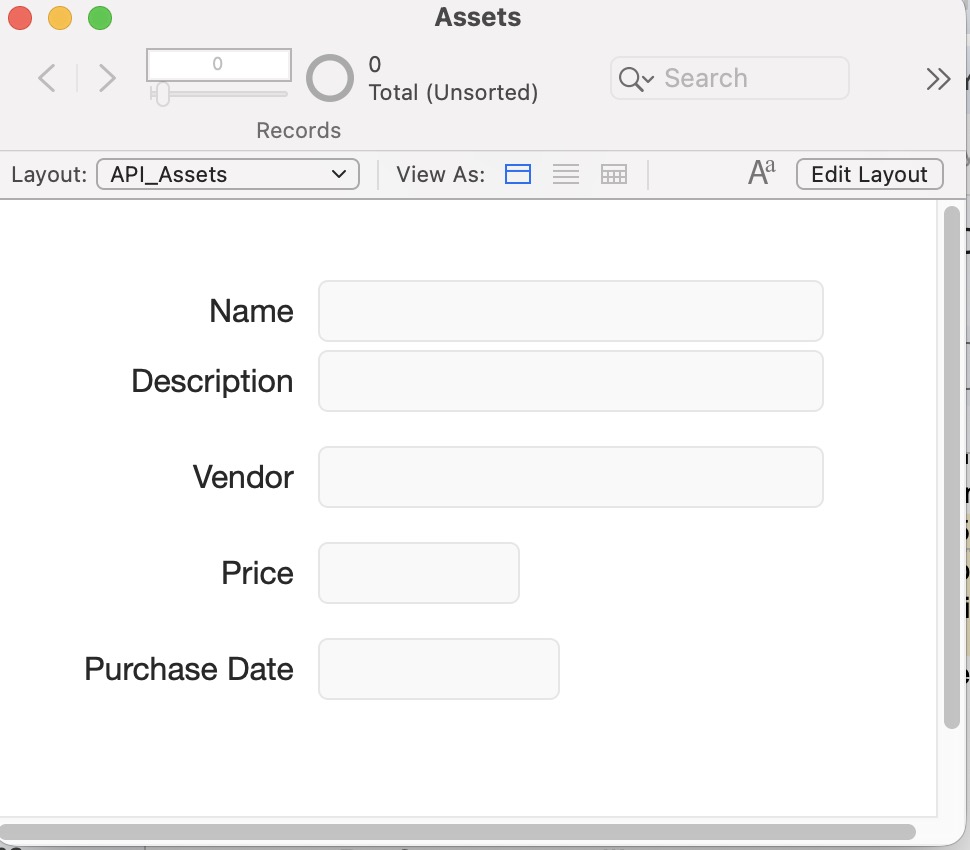
The Data API is dependable, but not especially performant for complex queries. In our experience, the engine handles a small number of concurrent complex calls cleanly and degrades quickly past that — particularly when finds span related tables and unstored calculations. Claris’ own guidance is to reduce field counts on API-targeted layouts and to omit fields with comments to shorten download time.
With the release of FileMaker 2026, Claris has added two helpful features:
- FileMaker Server automatically attempts to restart when the DataAPI, OData, or Web Publishing Engine quit unexpectedly.
- FileMaker Server now supports running multiple FileMaker Script Engine (FMSE) processes simultaneously on the same machine, increasing script execution throughput on systems with a large number of processor cores.
Both of these features lessen the risks associated with implementing the DataAPI. Coupling these with the new Remote Backup and Standby Server options, developers can further bulletproof their DataAPI implementations.
Claris has also fixed an issue that occurred when a large number of accumulated FileMaker Data API connections caused the FMWIP process to quit unexpectedly, degrading FileMaker Server performance.
No native rate limiting
FileMaker Server does not throttle Data API requests. A poorly behaved client — or a malicious one — can hammer the “_find” endpoint as fast as the network will carry the requests. Rate limiting is widely considered a baseline defense against both abuse and accidental DoS.
While FileMaker 2026 adds auto-restart capabilities, this is a safety net, not a license to create inefficient integrations. The no native rate limiting warning remains critical.
Data exposure
Any field on a layout accessible to the API account is reachable by the API account. If that account is later wired into an LLM-based agent, every field on that layout is, in effect, reachable by the model and anything that calls it. Claris confirms that privilege-set restrictions apply consistently across access methods, so this is solvable — but only if the privilege set is actually restrictive.
“Think about security concerns. If the Data API is not locked down, you have basically just given something that can crawl every table and every record access. So, whatever you’re storing in those records, including sensitive information, it is now open for Claude or other AI to access.”
-Xandon Frogget
FileMaker 2026’s new AI model server allows for separation between regular API calls and ones needed to operate in conjunction with LLMs. Claris recommends keeping these functions on separate servers as more AI features are added to the platform.
Annual data caps are gone
FileMaker Server 21.1 removed the annual usage limits on the Data API and OData, and the admin console no longer tracks the metric. This lifting of limits is good for legitimate workloads. It also removes one of the last natural brakes on runaway consumption.
Best practices before you enable the API
Consult the client first
Before the fmrest privilege gets added to any account, get specifics: what system is calling, how often, against which tables, and why. “We just want to connect Claude to it” is not an answer; it is the start of a conversation about scope.
Prefer scripts over raw endpoints
Rather than letting an external caller hit “_find” against arbitrary layouts, give them a single endpoint that invokes a named FileMaker script (“/script/<name>”). The script controls which fields, which find criteria, and which result shape come back. This safeguard collapses the attack surface and lets you log and rate-limit inside FileMaker itself.
Dedicated accounts and tight privilege sets
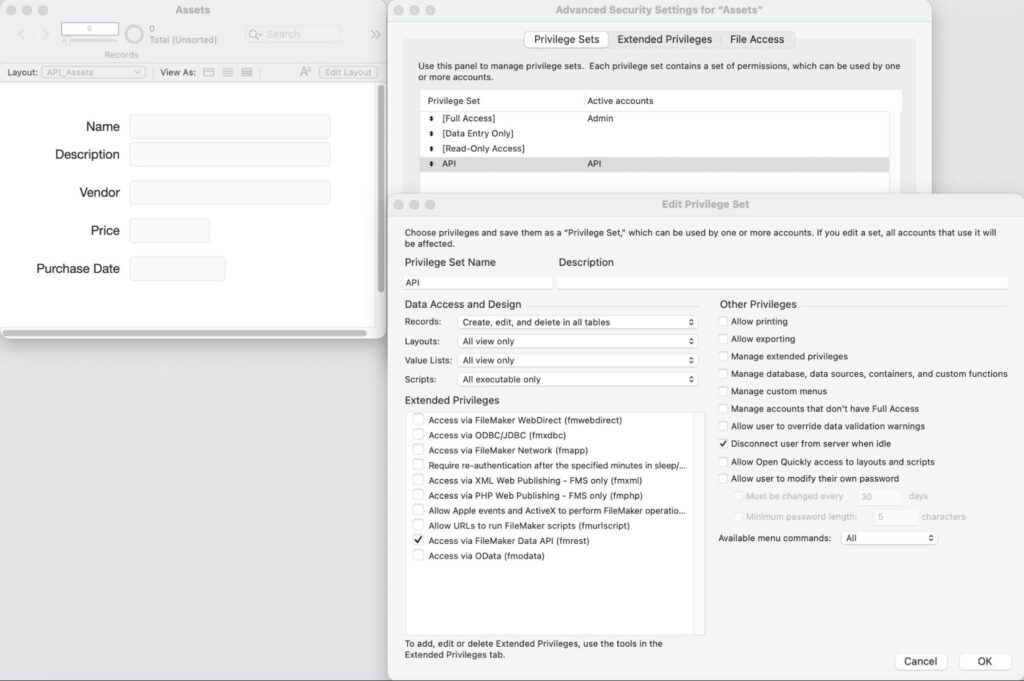
Create one API account per integration. Enable only fmrest on its privilege set. Restrict it to a purpose-built layout exposing only the fields that integration needs.
Push, do not poll
If a client is using “_find” every fifteen minutes to detect change, that is a design faux pas. A FileMaker-side script trigger that pushes deltas to a webhook is cheaper for the server and faster for the consumer.
Front the server with a reverse proxy
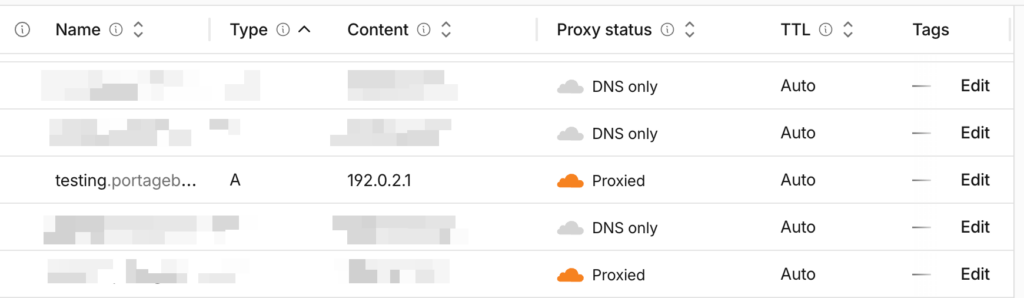
Cloudflare’s proxied A records bring layer 7 DDoS protection and configurable rate limiting which FileMaker itself does not offer. If TLS and host-header issues have historically blocked you from proxying a FileMaker Server A record, that is worth a dedicated half-day to revisit.
Monitor the Data API log
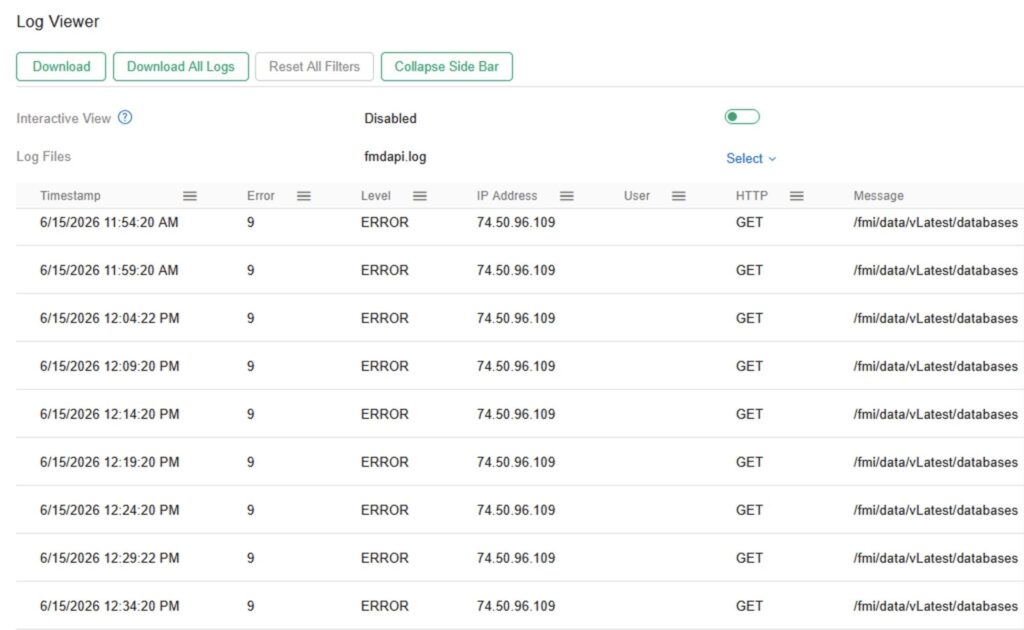
The Data API access log will tell you exactly which endpoints are being hit and how often. Read it. Set a recurring task to read it again. Endpoint abuse is obvious in the log long before it is obvious in the CPU graph.
A Word About Claris Connect
With the latest release of FileMaker 2026, Claris announced a transition for Claris Connect workflows to OData. It is critical to create screenshots of all field mappings as there is currently a known issue where re-authentication in the Claris Connect UI can sometimes wipe out field mapping configurations.
While this move is mandatory for Claris Connect, developers should still prioritize the Data API for scripted endpoints to maintain the security and logging controls.
The short version
Enabling the Data API is a security and capacity decision, not a checkbox. Talk to the client, expose scripts rather than endpoints, lock down the account, push instead of poll, and put a proxy in front of the server.
The day an AI-driven integration decides to ask your server a question every two seconds, you will be glad you did.
Get expert advice
We have years of experience working with APIs and with planning for, handling, and resolving these types of scenarios. We’d be glad to review your solution and situation and offer advice on the best approach. Contact us for a complimentary consultation.
This piece represents a collaboration between the human authors and AI technologies, which assisted in both drafting and refinement. The authors maintain full responsibility for the final content.